Create.Edit.Publish.Your AI content production house.

You set the style. deepshorts researches the topic, makes the assets, and assembles the piece.
You approve what ships, then publish it to Instagram, Facebook, and YouTube.

What deepshorts does

The whole run, on one canvas

Analysis, planning, generation, and rendering stay visible together. The edges carry the work from node to node. The rendered cut opens for an edit.

Asset Analysis
  • ImageFrame, style, logo
  • VideoCut points, speech
  • TextBrief and sources
Planning
  1. Open The claim, in one line
  2. Prove The frame that earns it
  3. Land The line they remember
Asset Generation
Image
Video
Audio
Rendering
Final cut

The line they remember.

Edit

Predefined formats

You do not start from a blank prompt. A format already knows how that kind of piece is made. You bring the topic and the style.

A video editor

When the piece is assembled, it opens as a real timeline. Change the cut, the captions, the layout. The AI outcome is not locked in an export.

00:04 / 00:12Final cut

Four formats.
Video belongs in each one.

These four are the focus. The library is already 15+, and new formats are added continuously. A piece can be images, video, or both.

  1. Talking head edit

    A person to camera, cut to the point. The performance stays. Video is the piece.

  2. Image explainer

    A sequence of images that teaches one idea. Add video when the explanation needs motion.

  3. Image-based storytelling

    A story told in pictures, beat by beat. Any beat can be a video.

  4. Visual storytelling

    Motion, image, and type as one piece. Video is a native layer, not an attachment.

Approve the cut.
Post it from the same place.

Deepshorts publishes straight to Instagram, Facebook, and YouTube. Post now or schedule it, with no files to download and no other app to open.

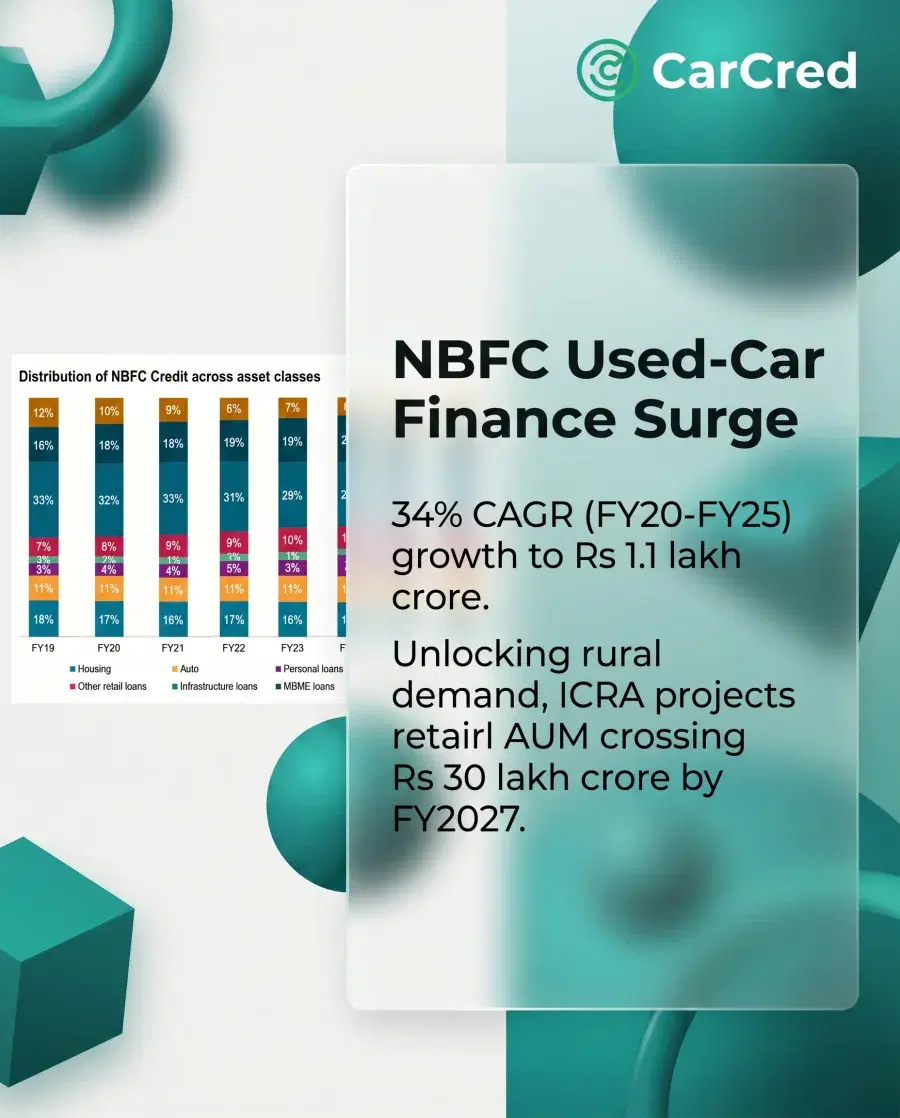
CarCred carousel example with a credit chart and the headline NBFC Used-Car Finance Surge.
Approved, ready to post Illustrative example
  • Instagram

    Reels, carousels, and image postsCaption

  • Facebook

    Posts on the Pages you manageCaption

  • YouTube

    Shorts and videosTitle, description, and thumbnail

  1. Connect your accounts

    Sign in through Instagram, Facebook, or Google. We never ask for your password, and you can disconnect at any time.

  2. Check the post

    See the video, caption, title, and thumbnail together. Nothing goes out until you approve it.

  3. Post now or schedule it

    Send it straight away or pick a date on the calendar, then follow its status and open the live post from the same place.

Publishing and scheduling are rolling out one platform at a time: Instagram first, then Facebook Pages and YouTube. See what we access and how to disconnect an account in our Privacy Policy.

Make your first piece.

Plans start at $5 a month. Cancel any time.